

Across 50+ B2B clients I’ve worked with at my outbound agency Fenixtal over the past 3 years, half tracked deals in spreadsheets. The other half overpaid for Salesforce, HubSpot or some clunky ERP nobody opened. There rarely were any middle ground, altrough those options can fit for some companies. In this post we’re going to focus on five CRM alternatives when spreadsheets aren’t enough anymore.
Google Sheets CRM alternatives for B2B sales teams come down to team size. Solo founders and small teams (1-10 people) need a lightweight visual CRM like Fluid. Medium-sized marketing-driven teams need HubSpot. Enterprise teams need Salesforce. Airtable fits teams needing custom data structures.
Why Google Sheets Stops Working for Sales Teams
Most sales teams don’t fail because their leads are bad. They fail because the system holding their leads is bad. Google Sheets is the cheapest possible system, which is why almost everyone starts there and that’s smart. But when your pipeline grows, spreadsheets start to break fast.
Vague reasons like “scalability issues” don’t help anyone. Here are four concrete signals that tell you when it’s time to switch to a proper deal tracking solution. If you hit two of these, you’re already losing deals you don’t know about.
1. Deals are sitting longer than 30 days with no last-activity column
Open your sheet right now. Can you see which deals haven’t been touched in 30 days? In a spreadsheet, last-activity tracking means a manual date column that nobody updates after week two. Real CRMs track this for you because every email, call and note timestamps the deal automatically.
2. Follow-up dates live in your head, not in the sheet
A pipeline isn’t a list of names, it’s a list of next moves. If you’re remembering to follow up because you happened to think about it in the shower, your pipeline is leaking. Real CRMs build reminders directly into the deal record. For example Fluid CRM uses a visual gray-green-red system so you can see what needs to be done in two seconds when you log in. You can’t build that in Sheets without an overly complex Zapier automation that breaks every two weeks.
3. Two people editing at once breaks the pipeline
Sheets handles co-editing fine for a budget tracker. It handles it badly for a sales pipeline because two reps updating the same deal stage creates conflicts, overwrites and quiet data loss. By the time you notice, three deals have moved backwards. This literally loses you thousands of dollars.
4. You’ve started copying tabs to track different data
This is the late-stage sign. One tab per client, one tab per quarter or one tab per pipeline stage. The structure that started clean now looks like an archaeological site. Stop for a second. Can you name your top 5 deals right now without opening a tab?
If you’re on Excel instead of Sheets, the same signals apply.
Hit two of these and you’ve already crossed the line. The next question is what to switch to and that’s where most posts get it wrong. For a deeper look at the switching decision itself, read Google Sheets vs CRM: When to Make the Switch.
The Mistake Most Blog Posts Make About Google Sheets Alternatives
Open any “Google Sheets alternative” article and you’ll see the same five names: Airtable, Smartsheet, NocoBase, Coda and Notion. Every single one of those is a database, not a CRM. They have prettier views, custom fields and better filtering. But they’re still spreadsheets.
If your problem is sales follow-ups, switching from Google Sheets to Airtable is moving from one spreadsheet to another spreadsheet with nicer cells. Yes you can build a custom CRM there, but if you’re used to spreadsheets, that’s usually not the right call. The deal that was buried in row 38 is now buried in a “Hot Leads” view, ignored just as politely.
Here’s the pattern I noticed running outbound for 50+ B2B clients. Most sales teams using spreadsheets aren’t actually tracking a pipeline. They’re tracking contacts. They have names, emails and a column called “status” with values like “interested” and “contact again later.” That’s a contact list, not a sales process.
A pipeline tracks what happens next. It tracks deal stages, follow-up dates, deal value, expected close dates, notes and the conversation history that explains why this prospect went quiet for two weeks. None of the database tools do that out of the box because they weren’t built for it.
So when you read a list of “Google Sheets alternatives” and 8 of the 10 picks are databases, you’re reading a post written for operations specialists, not B2B sales people. So the fix isn’t a better spreadsheet. It’s a simple but powerful pipeline software, which is a different category of tool with a different mental model.
The rest of this post recommends actual CRMs for sales teams, plus one honest mention of database solution for the people whose use case really is data ops, not sales.
The 5 Real Google Sheets Alternatives for Sales Teams
The right alternative depends on team size, pipeline volume and what you actually need to track. Here’s a 5-option roadmap. Pick the one that matches your stage and skip the others.
1. Fluid CRM, for solo founders, consultants and small B2B sales teams (1-10 people)
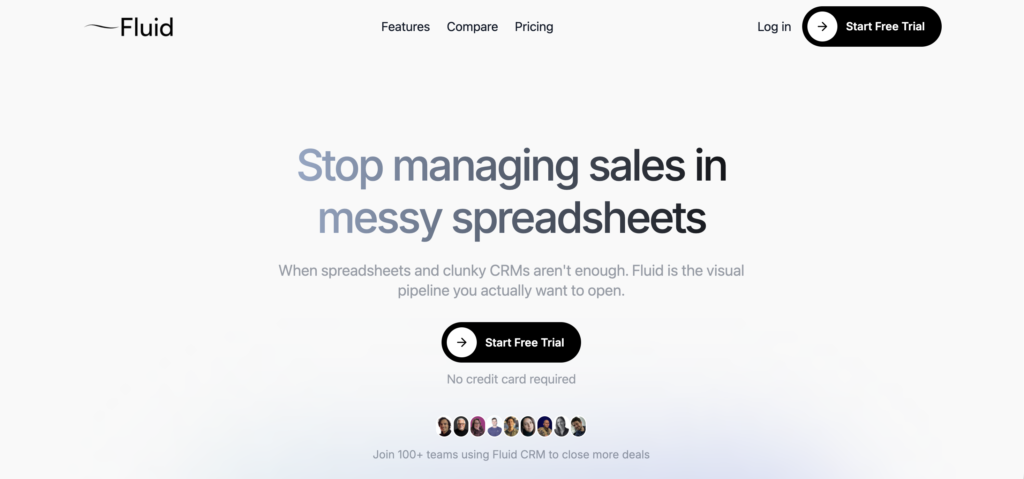
If you’re a solopreneur or running a team under 10 people, you need a visual pipeline, follow-up reminders and zero setup pain. That’s where Fluid CRM fits. It’s 16€/month flat and includes everything without upgrade traps. Unlimited deals, contacts and pipelines included. Fluid CRM is built for people who outgrew spreadsheets but don’t want or need to spend two weeks configuring HubSpot.
For a deeper breakdown of how it compares to Pipedrive, Capsule and the other small-team options, see best CRM for small B2B sales pipelines.
2. HubSpot, for marketing-driven sales teams that need automation
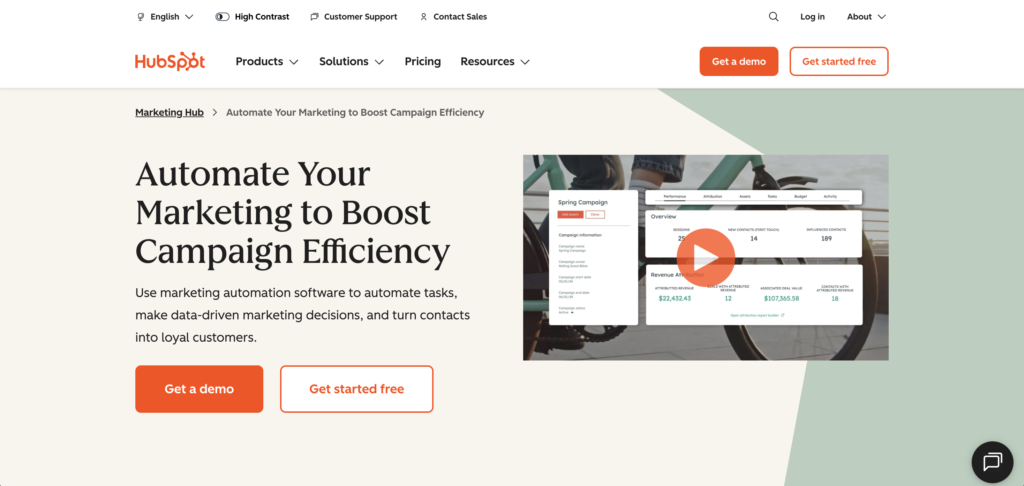
If you’re running low volume email sequences, lead scoring, marketing attribution and have someone whose job is to manage the CRM, HubSpot is the right call. The free tier is the most-used in the world for a reason. The catch is the upgrade trap. The free tier feels great until you need a workflow, then a custom report, then a sequence and suddenly you’re at 800€/month for features you barely use. I’ve seen this happen to multiple B2B companies who started simple and ended up locked in.
I went deeper on the HubSpot upgrade pattern in HubSpot alternatives for small business.
3. Salesforce, for enterprise sales teams (50+ reps)

Salesforce was built for RevOps-led organizations with complex permissions, multi-region setups and dedicated admins. If you have 50+ sales reps, custom approval flows and a finance team that needs forecast reports, Salesforce earns its price. If you don’t, it’s the most expensive way to track 30 deals in human history.
4. Airtable, for ops-heavy teams with custom data structures
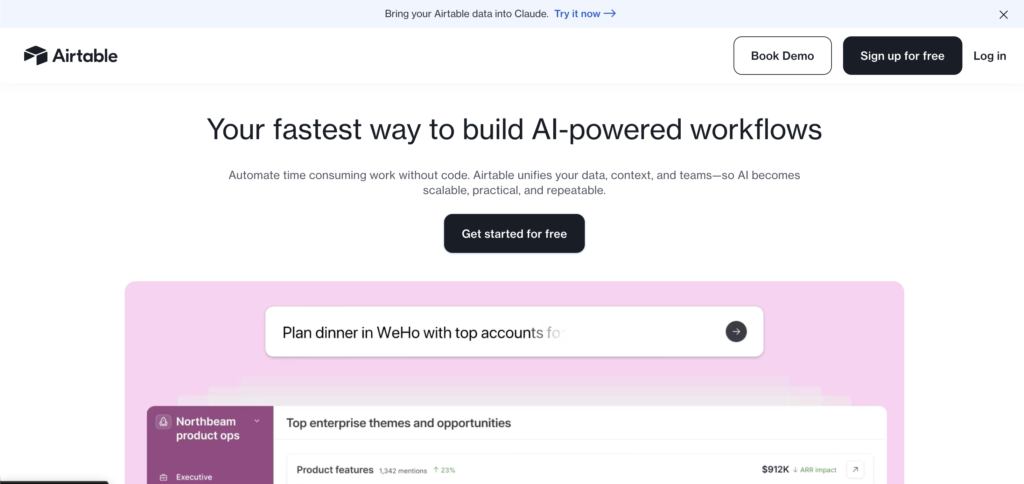
Airtable is great if your “sales tracking” is really part of a broader operations workflow with custom data needs. Inventory linked to deals, project status linked to clients, complex automations and that kind of thing. It’s a database with views and it does that well. Don’t use it as your primary pipeline tool because you’ll end up rebuilding follow-up logic, reminders and stage progression yourself.
5. Free options, HubSpot Free or Bitrix24
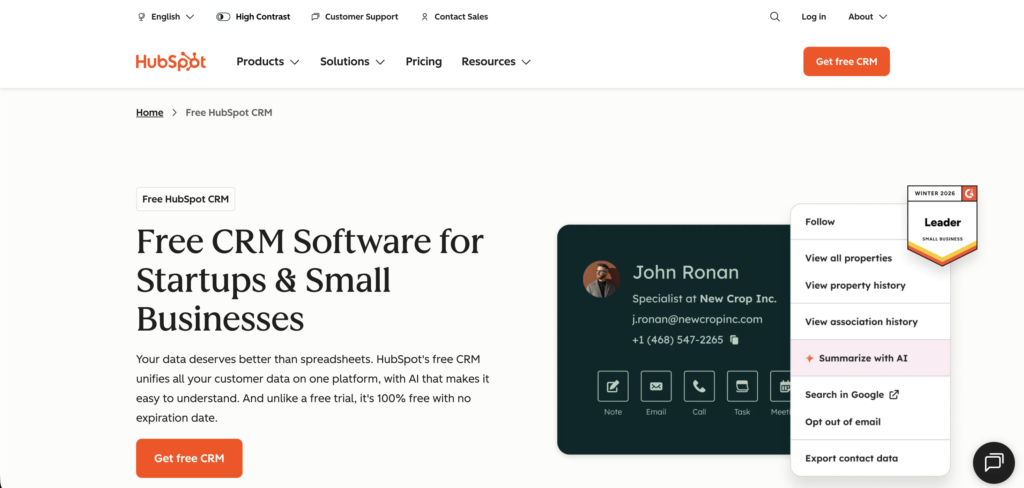
For cost-conscious teams that want zero-cost. HubSpot Free is the dominant pick but caps tight on contacts, emails and automation. Bitrix24 has a more generous free tier with calling, tasks and project management, though the UI feels like 2014. Fluid CRM has a free 7 day trial that covers the need to try befory you buy, but it’s not free on the long term.
How to Switch From Google Sheets to a Sales CRM
Migration sounds harder than it is. Anyone telling you it takes weeks is selling you consulting. Here’s the actual process.
Step 1: Clean the data
Before you import anything, look over the sheet. Most sales teams have 30-40% dead leads sitting in their pipeline. People who never replied, deals that should have been marked lost six months ago and contacts whose emails bounce because they’re not working there anymore. None of that should make it into the new CRM. Delete the dead rows, merge the duplicates and fix the inconsistent column names so the import maps cleanly. Or if you have less than 100 deals to import, you could do it manually too.
Step 2: Pick the tool that matches your stage
This is the moment most teams panic-buy. They Google “best CRM,” see HubSpot at the top, sign up for the free tier and six months later they’re paying 800€/month for features they don’t use. Don’t do that. Use the framework above and match the tool to your actual team size and use case. If you’re a small B2B team weighing the shortlist, our full small B2B CRM breakdown does the comparison work for you.
A 3-person agency does not need Salesforce. A 50-rep enterprise does not need Fluid. The biggest mistake in the whole switch isn’t the migration itself, it’s picking the wrong tool because some Google result said it was “the best.”
Step 3: Migrate in one afternoon
Most modern CRMs accept CSV uploads. Export your cleaned sheet, open the new CRM’s import wizard and map your sheet columns to the CRM’s fields. Deal name, contact, stage, next step and hit import. A clean migration of 200 deals takes 2-3 hours including the cleanup. The CRM does the rest.
What a Sales-Focused Alternative Actually Looks Like
The clearest signal a tool is built for sales is what happens when you log in. In a sheet, you see rows. In a real sales CRM, you see what needs your attention today.
Doland White, founder of Doland White Consulting, ran the same workflow shape most small sales teams run. Tracking prospects, clients and follow-ups but just at a smaller scale. Before using Fluid CRM he had it scattered across four tools.
“Before Fluid, I was tracking prospects, clients and podcast guests across Google Contacts, LinkedIn, spreadsheets and marketing platforms. I was constantly updating information instead of focusing on the client.”
Doland’s setup is common among coaches and consultants juggling multiple workflows.
That’s the spreadsheet-plus-tabs problem at smaller scale. Same shape and same pain. Prospects in one place, follow-ups in another and deal context buried in a fourth. The whole job becomes data entry instead of selling.
What changes with pipeline software is the surface you wake up to. One screen with your active deals, total pipeline value and overdue follow-ups. Click a deal and see every note, email and stage change in one timeline. No tab juggling. No “wait, where did I write that down.”
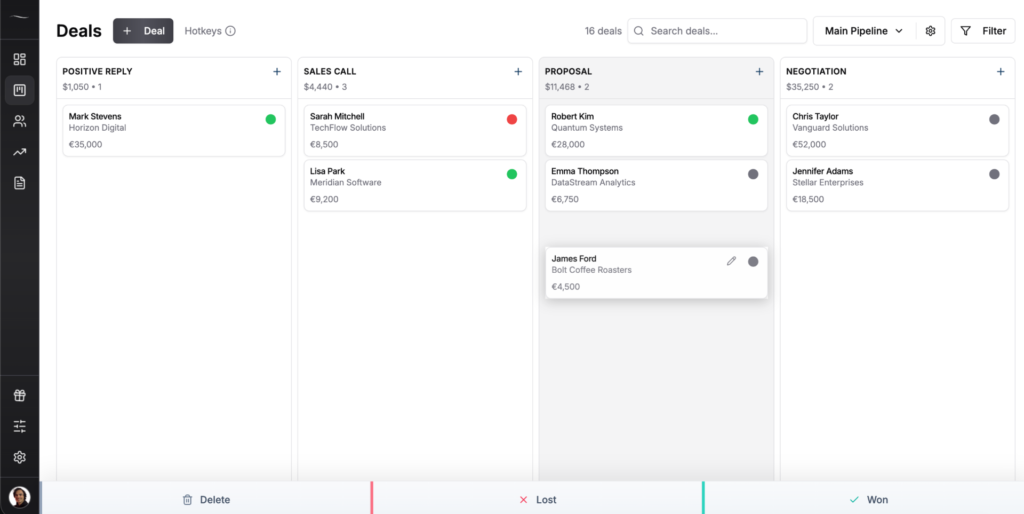
This is the real difference between a database and a CRM. A database stores rows. A CRM tells you what to do next. For most sales teams that’s worth more than any feature checklist.
Google Sheets vs Sales CRM: Side-by-Side Comparison
Most comparison tables on this topic come from CRM vendors trying to sell you the most expensive option. Here’s an honest version, with the real cost ranges and the actual sales-team use cases per category.
| Category | Google Sheets | Lightweight CRM (Fluid) | HubSpot / Salesforce |
| Setup time | Open and type | 5 minutes | Days to weeks |
| Pipeline visibility | Rows in a tab | Visual pipeline at a glance | Multiple complex views |
| Follow-up reminders | Manual or none | Built in | Built in with setup |
| Multi-user editing | Conflicts and overwrites | Real-time sync | Real-time sync |
| Monthly cost | Free | 16€/month per seat | 15€-330€+/seat/month |
| Best for | Day one founders | 1-10 person B2B sales teams | Marketing-driven teams, and enterprises |
Fluid keeps the structure of a CRM without the bloat that makes most teams quit them. You can visit Fluid CRM website for a deeper feature breakdown.
FAQ
Yes, if you’re solo and tracking under 30 active deals with low complexity and a slow sales cycle. Once you’re sharing the pipeline with someone else, missing follow-ups weekly or copying tabs to track different clients, you’ve outgrown it. The cost of switching is one afternoon. The cost of staying is the deals you stop noticing.
HubSpot Free is the most-used free CRM in the world but it caps tight on contacts, email sends and automation and the upgrade pressure starts fast. Bitrix24 has a more generous free tier with built-in calling, tasks and project tools, though the interface feels outdated. Fluid CRM isn’t free but offers a 7-day trial with no card needed if you want a paid alternative without commitment.
Only if your sales tracking is part of a broader operations workflow with custom data needs. Airtable is a database with nice views, not a CRM. For pure pipeline management you’ll end up rebuilding follow-up logic, reminders and stage progression yourself, which defeats the point of switching off Sheets.
About 2-3 hours for a clean migration. Export your sheet to CSV, map the columns to the CRM’s fields, import. The longest part is cleaning the data before you import, which is also the part that determines whether the new CRM stays usable past month two.
Common Reddit picks are Pipedrive, Trello, Notion, HubSpot Free and Fluid CRM. Most threads land on the same conclusion: pick the tool that matches your team size and pipeline complexity, not the one with the highest upvotes. The Reddit consensus is honest and roughly aligns with the framework above.
Closing
Most sales teams don’t fail because of bad leads. They fail because the system holding the leads is bad. Sheets gets you started, then it stops working and the deals you don’t follow up on aren’t even on your radar anymore.
If you’re tired of tracking sales in messy spreadsheets, Fluid gives you a clear visual pipeline without the bloat of a traditional CRM. If you want to see how Fluid CRM compares to the other small-team options, the full breakdown is here.