

Startup founders love buying sales tools. What they actually run short on is hours, not data and not software. I’ve booked over 1,000 B2B meetings across 50+ clients at my agency Fenixtal, and the founders who win pick a few tools and use them every day. This post is the lean stack, grouped by job, with the honest limit of each one.
The best sales tools for startups cover three jobs: tracking deals, reaching people and finding contact data. Start with a lightweight CRM like Fluid CRM, one outreach tool like Smartlead and one data tool like Prospeo. Add the rest only when you feel the pain of not having it.
What Startups Really Need From a Sales Stack
A startup sales stack should do three jobs and nothing more at the start. You need to track deals, reach the right people and pull good contact data. Everything else is a tool you add later, once the work shows you what’s missing.
When I ran outbound at Fenixtal, the pattern was always the same with new clients. They had five or six tools and used two. The founder who buys twelve tools and learns none of them loses to the one who runs three every morning. Tools don’t book meetings. A pipeline you open daily does.
So before you read the list, decide what job you’re solving this month. Then pick the one tool that solves it and skip the rest until you feel real pain.
CRM and Pipeline Tools
A CRM is where your deals live. For a startup, the right one shows your whole pipeline on one screen and reminds you who to follow up with, without turning into a second job. Two tools cover this job well and they do different things.
1. Fluid CRM
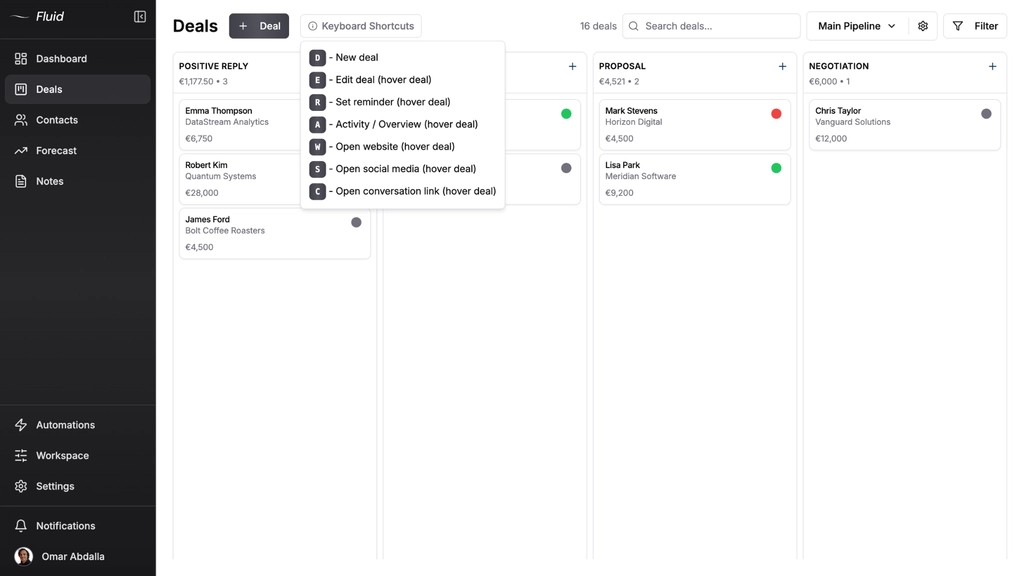
Fluid CRM is the fastest, simplest visual CRM for a fast-paced startup that has outgrown spreadsheets. You see every deal on a clear pipeline, drag & drop to move them, open data fast with keyboard shortcuts and let in-app automations handle the busywork. You can run several pipelines side by side, one per client, or split your process into stages like top of funnel, onboarding and retention. It looks modern and calm instead of crowded.
Best for: solo founders and small teams who want a pipeline they actually open every day. It’s 16€/seat per month with every feature included, and there’s a 7-day free trial, no credit card required.
Honest limit: Fluid is built for teams under 20 people. There’s no native dialer, no marketing automation and no lead scoring. If you need nurture flows and heavy reporting, you want something bigger. More on outbound automation later though, because if you want results, you shouldn’t do it from your CRM anyway.
2. Kondo CRM
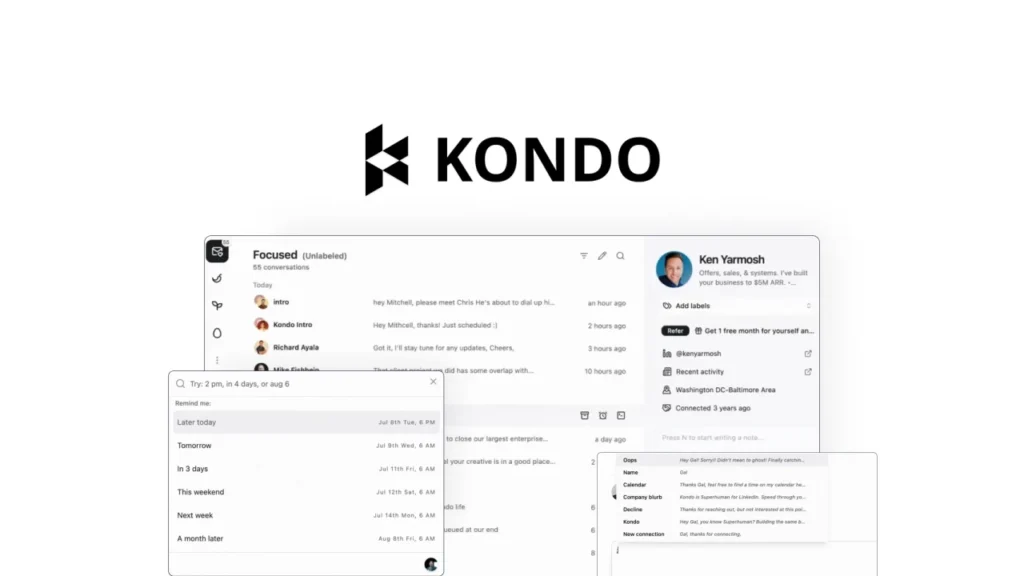
Kondo is a CRM built only for LinkedIn. If you do any outreach there (more on that soon), it turns your messy DMs into a real inbox. Replies save automatically and show up as unread, so good ones stop getting buried in the chat scroll. You add labels and reminders and clear your conversations fast.
This is where Fluid CRM and Kondo divide the work. Kondo runs your LinkedIn inbox while Fluid is where the deals live. When I get a positive reply or book a meeting on LinkedIn, I move that person into Fluid and run the deal from there.
Best for: founders running LinkedIn outreach who keep losing good replies in the noise.
Honest limit: Kondo only touches LinkedIn. It won’t track deals, forecast revenue or replace a real CRM. It’s your inbox, not your pipeline. You can grab a 1 month free trial on Kondo here.
Prospecting and Data Tools
Good outreach starts with good data. Before you write a single message, you need names, roles and contact details for the people who actually buy what you sell. These three tools get you that data and they each pull from different places.
3. Apollo
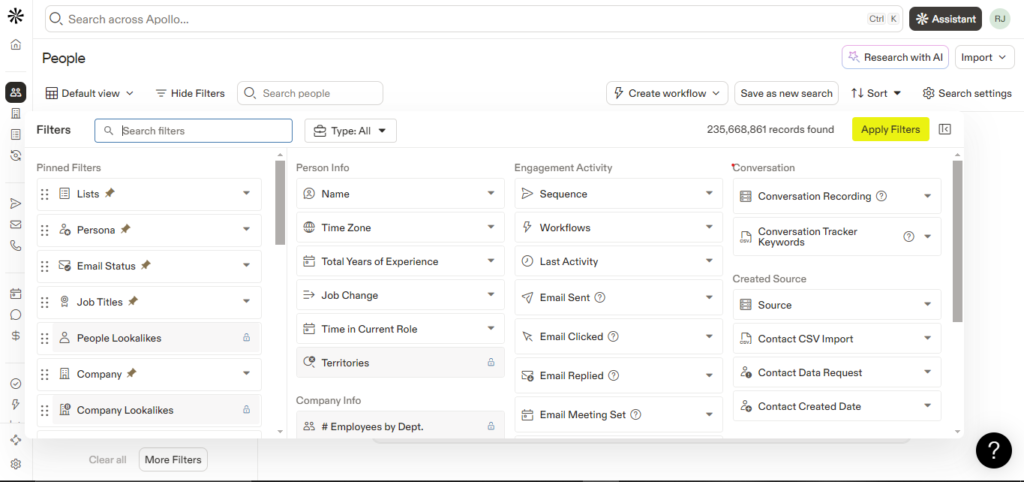
Apollo is a affordable, general data tool with a huge database. You filter by title, industry, company size and a long list of other fields, then export your list. For an early founder who wants a lot of contacts cheap, it’s a solid first pick.
Best for: founders who want broad B2B data without paying enterprise prices.
Honest limit: a big general database means the emails can be outdated and there’s some industries it can’t find well, such as brick-and-mortar stores. Emails can bounce and titles go stale. Verify before you send or your deliverability takes the hit (more on that later as well).
4. Sales Navigator
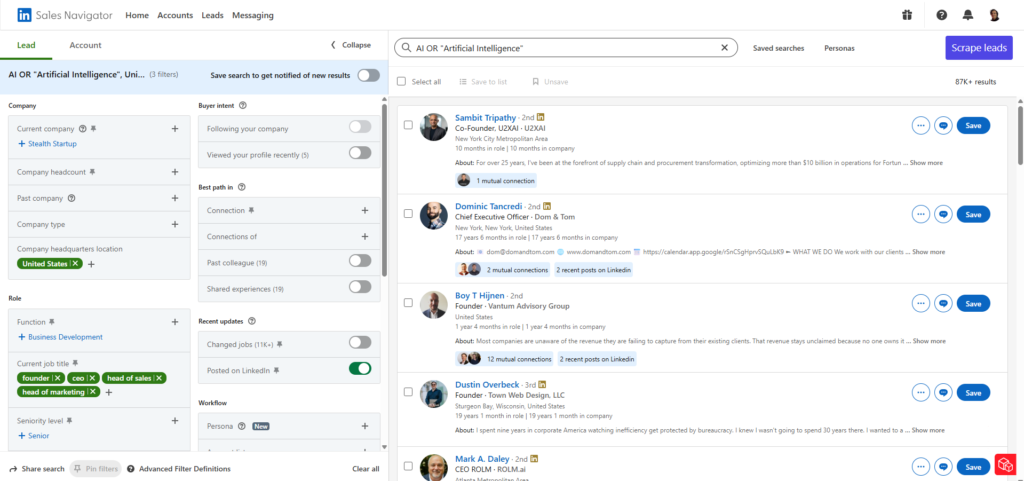
Sales Navigator is LinkedIn’s own tool and it holds the freshest B2B data you can get. People update their own profiles, so job changes and new roles show up faster than in any static database. You build tight lead lists with filters most data tools can’t match. It pairs with well with Prosp (not Prospeo), which I cover below, to pull that data into your outreach.
Best for: founders who want fresh, accurate LinkedIn data on their exact buyers.
Honest limit: Sales Navigator is for research, not sending. It doesn’t give you email addresses and it doesn’t run outreach. It’s also one of the pricier subscriptions on this list, so you need another tool to act on what you find.
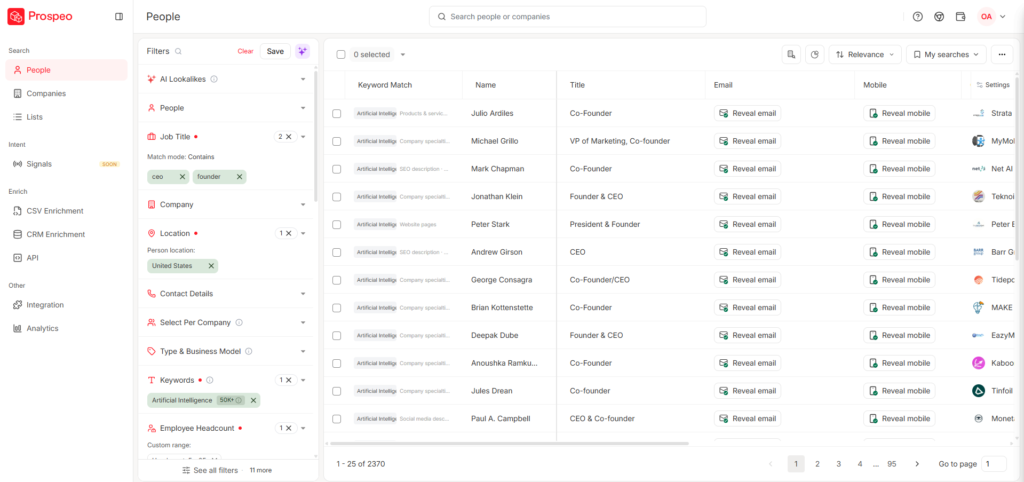
5. Prospeo
Prospeo feels like Apollo and Sales Navigator combined into one tool. It runs on a database of over 300 million contacts and refreshes that data every 7 days, so you get filters and freshness the big tools miss. Downloading lists is simple, and the Chrome extension is handy for one-off LinkedIn email and mobile number reveals when you only need a contact or two.
Best for: founders who want fresh data and one-off reveals without juggling three tools.
Honest limit: it’s one more subscription to pay for. If you already run Apollo and Sales Navigator, you may not need it on day one. Add it when the data gaps start costing you replies.
Email Verification Tools
Verifying emails before you send is the step most founders skip and then regret. A dirty list means bounces, and too many bounces wreck your sender reputation and land you in spam. This is the tool that cleans your list before it costs you.
6. CSVgo
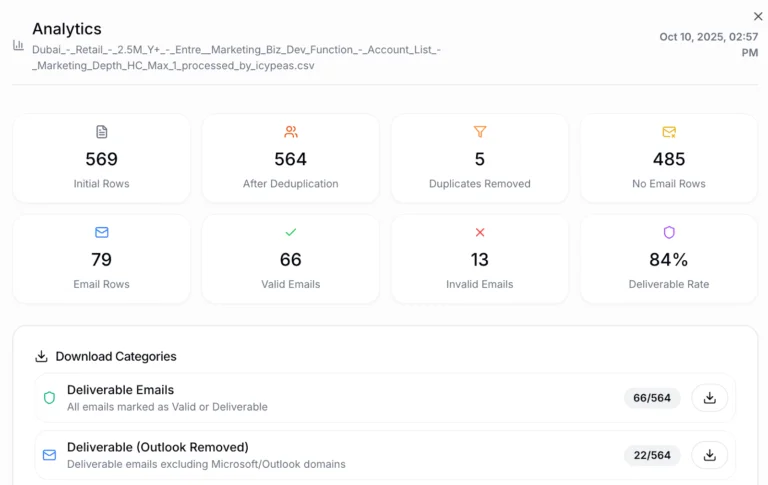
CSVgo verifies every email on your list no matter where it came from, with a few exceptions like data that’s already clean from Prospeo. The thing that sets it apart is catch-all verification. Most tools mark catch-all addresses as risky and tell you to drop them, which means you throw away good leads. CSVgo verifies them, so you keep around 30% more leads other tools would have you delete. It also splits out email service providers and cleans up messy data like names and company names.
Best for: cold email senders who want to save time consolidating 4 tools into one, keep more leads and protect deliverability.
Honest limit: CSVgo cleans and verifies, it doesn’t find data for you. You still need a source like Apollo, Sales Navigator or Prospeo to build the list first.
Cold Email and Outreach Tools
Once you have a clean list, you need a way to reach people at scale without doing it by hand. Cold email and LinkedIn outreach tools send your messages, handle replies and keep your sending healthy. These three cover the sending side of a startup sales stack.
7. Smartlead
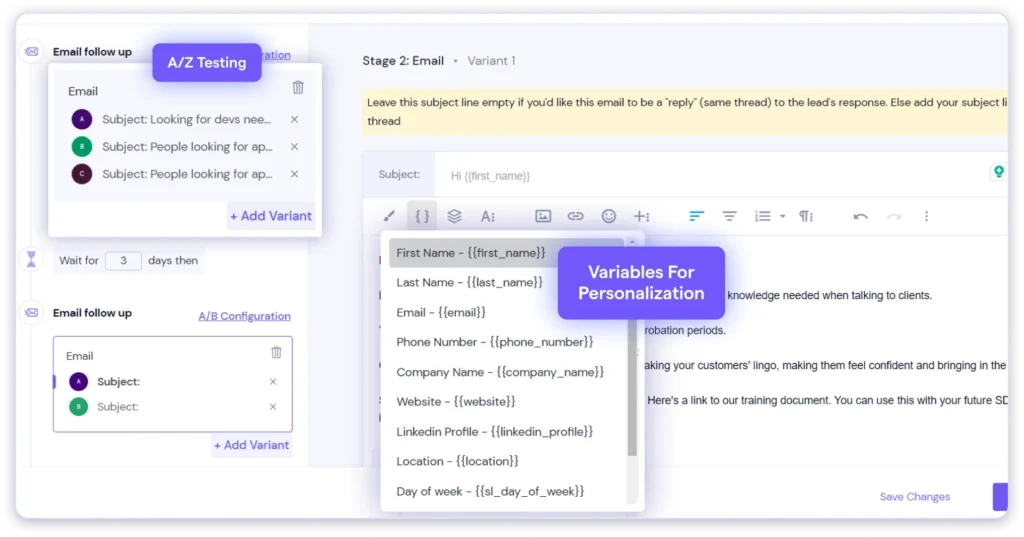
Smartlead is the tool I used to book over 1,000 B2B sales calls for cold email clients at Fenixtal. You build sequences, automate the follow-ups and handle every reply in one inbox instead of fifteen. Its deliverability features are strong, which matters more than anything else in cold email. If your emails land in spam, nothing else you do counts.
Best for: founders and agencies running cold email at any real volume.
Honest limit: Smartlead has a learning curve and it won’t fix a weak offer or a bad list. Deliverability still depends on your domains, your prospect lists, your warmup and your copy. The tool sends, you still have to be worth replying to.
If you’re interested in cold email, check my in-depth 30 step cold email playbook here.
8. Premium Inboxes
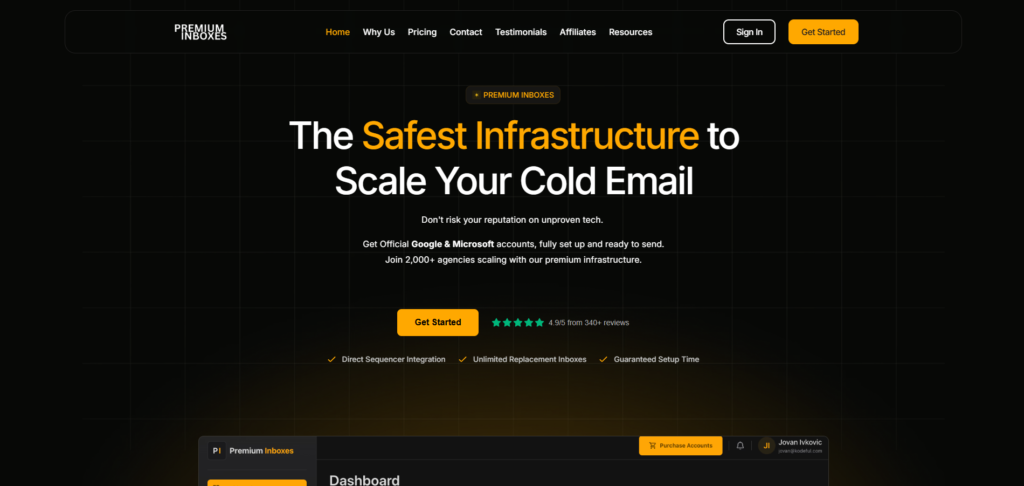
Setting up your own sending accounts in Google Workspace or Microsoft 365 is slow, fiddly and more expensive than it looks. Premium Inboxes sets those sending accounts up for you at a fraction of the cost, with deliverability built in from the start. For a founder who wants to start sending this week instead of next month, it removes the worst part of the setup.
Best for: founders who want sending infrastructure without the manual account grind.
Honest limit: inboxes are plumbing, not strategy. They don’t write your emails, build your list or guarantee replies. You still need warmup time before you send at volume.
9. Prosp
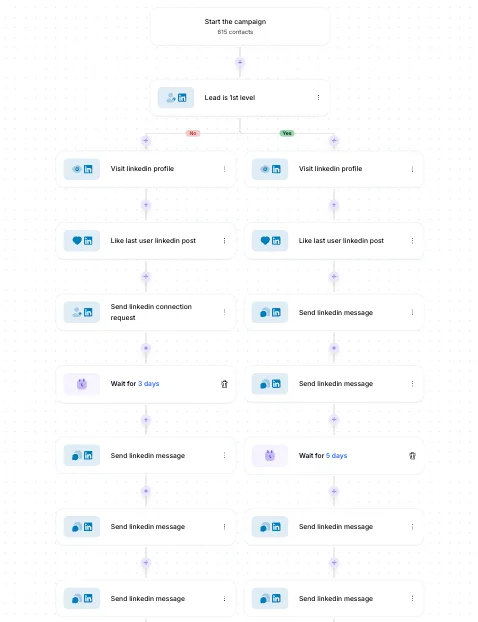
Prosp is the tool for automating LinkedIn outreach the right way. I’ve coached over 20 founders and sales teams on it and I use it myself every week. It pairs perfectly with Sales Navigator, so you pull your data straight from Sales Nav into Prosp and run your connection requests and messages from there.
Best for: founders who want LinkedIn outreach on autopilot without babysitting it.
Honest limit: any LinkedIn automation carries some account risk if you push the volume too hard. Go slow, keep it human and don’t fire off hundreds of requests on day one. Treat your account like it’s hard to replace, because it is.
I also made an in-depth walktrough on the 5-step system on how to find clients on LinkedIn, so read that next.
Data Enrichment Tools
Data enrichment fills the gaps your data tools leave behind. When a list is missing emails, phone numbers or buying signals, an enrichment tool goes and finds them from multiple sources. For a startup, this is power you grow into, not a day-one need.
10. Clay
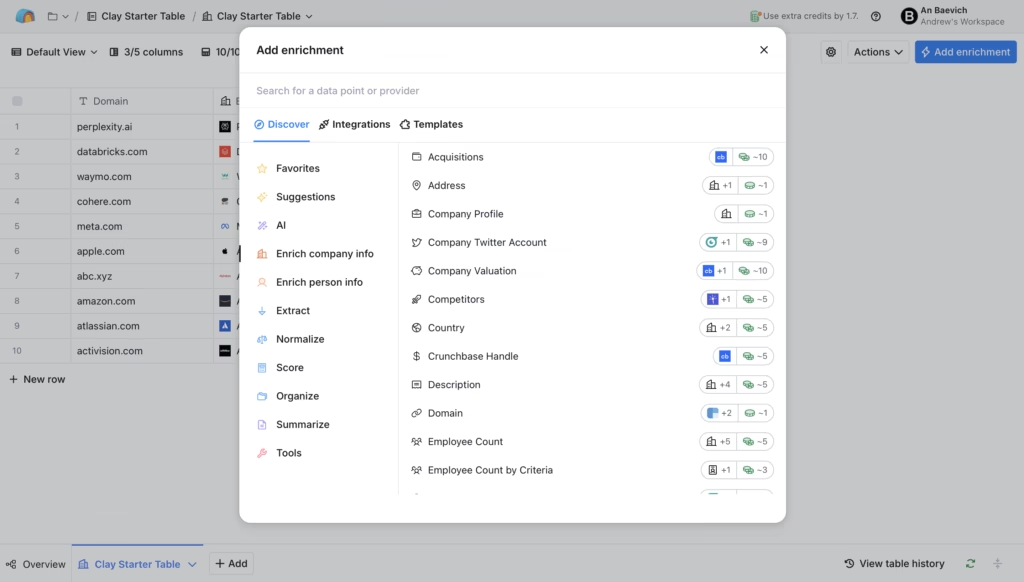
Clay is one of the most powerful tools in B2B sales right now. It waterfall-enriches emails that other tools miss, meaning it checks source after source until it finds the data. You can spot buying signals, personalize outreach at scale and find data most tools can’t reach. When you need depth, nothing else comes close.
Best for: founders and teams ready to run advanced, personalized outreach at scale.
Honest limit: Clay is powerful and it’s also a steep climb. The learning curve is real and the cost adds up fast as you use more credits. For most early founders it’s overkill, so master your three core tools first and grow into Clay later.
Call Recording Tools
Recording your sales and internal calls turns every conversation into something you can mine later. The words your prospects use, the objections they raise and the phrases that close them are all sitting in those calls. A call recorder captures them so you stop relying on memory.
11. Fathom
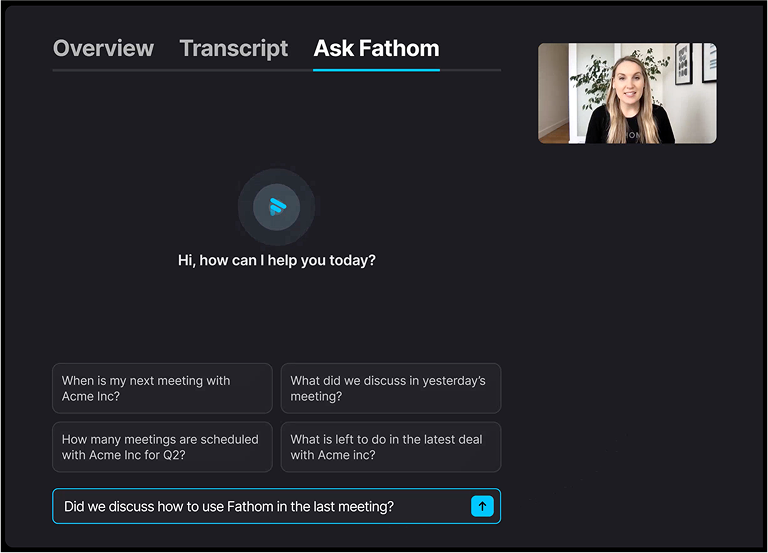
Fathom records your calls, internal and external, and gives you clean transcripts of everything. The real value isn’t the recording, it’s what you do with it. Feed those transcripts to AI and mine them for the exact phrases, pain points and objections your buyers use. That gold feeds your outreach, your ICP work and your landing pages.
Best for: founders who want to turn real conversations into sharper messaging.
Honest limit: recording everything is useless if you never go back and review it. The value lives in the mining, not the capture. A folder full of recordings you never open helps nobody.
Scheduling Tools
A scheduling tool removes the back-and-forth of booking calls. Instead of trading five emails to find a time, you send one link and the prospect books straight into your calendar. For a startup, fewer steps between interest and a booked call means more booked calls.
12. Calendly
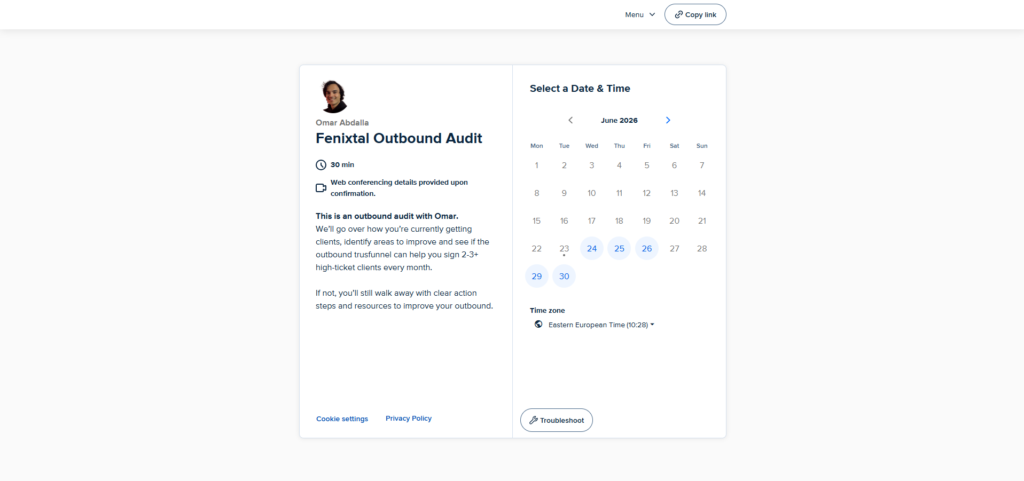
Calendly lets prospects book straight into your calendar from a link you can embed anywhere, on your site, in an email or in your LinkedIn bio. You automate reminders to cut down no-shows, and you can auto-send a case study before the call so you walk in with authority already built. Done well, it shortens your sales cycle and lifts your close rate.
Best for: any founder who books calls and wants fewer no-shows.
Honest limit: dropping a booking link too early can feel cold and lower-touch, especially on high-value deals. Sometimes a real reply beats a link, so read the room before you automate the human part away.
How to Build a Lean Sales Stack You’ll Actually Run
A startup sales stack comes down to three jobs, not twelve tools. You need a CRM to track deals, a way to reach people and a source of data. Get those three running and you’ve got everything you need to book meetings and close them.
Start with Fluid CRM for your pipeline, pick one outreach tool that fits how you sell, whether that’s Smartlead for cold email or Prosp for LinkedIn, and add one data tool like Apollo or Prospeo. That’s it. Run that stack every morning before you add anything else.
After 1,000+ booked meetings across 50+ B2B clients at Fenixtal, the lesson never changed. The tools were rarely the problem. The founders who won had a simple system they used every day, while the ones who struggled had a graveyard of subscriptions they logged into once. Pick your three, get good at them and add the rest only when the pain is real.
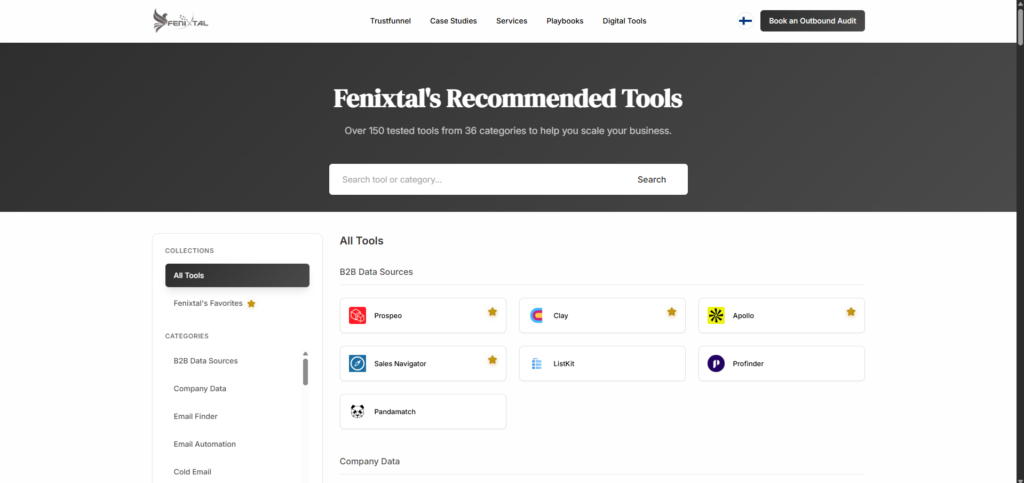
When you do feel that pain and want to see the full 150-tool directory, I’ve put everything in one place.
Frequently Asked Questions
A startup needs three tools to start: a CRM to track deals, an outreach tool to reach people and a data tool to find them. A visual CRM like Fluid CRM, a cold email or LinkedIn tool and one data source cover the whole job. Everything else is something you add when you feel the gap, not before.
As few as you can run well. Early founders do better with three tools they use daily than ten they barely touch. Add a new tool only when a real problem shows up that your current stack can’t solve. More tools rarely mean more meetings.
For an early startup, the best CRM is a simple visual one you’ll open every day, not a heavy platform you have to learn. Fluid CRM gives you a clear pipeline, reminders and keyboard shortcuts at 16€/seat per month with every feature included. If you need marketing automation and deep reporting, a bigger CRM fits better.
Free tiers can get you started, especially for data and scheduling. The catch is that free plans usually cap the features that matter once you’re sending real volume or tracking real deals. Treat free tools as a way to test the job, then pay for the one that earns its place.
If you’re solo with a handful of deals and a simple sales cycle, a spreadsheet can hold for a while. The moment you start missing follow-ups or sharing the pipeline with someone else, a spreadsheet starts losing you deals. That’s when a CRM like Fluid CRM pays for itself. See Google Sheets vs CRM post next.
Conclusion
The best sales stack for a startup isn’t the biggest one, it’s the smallest one you’ll actually run. Pick a tool for each of the three core jobs, get good at them and grow from there. If you want a pipeline that’s fast to use and calm to look at, Fluid CRM gives you that without the bloat of a heavy platform.
Start your 7-day free trial, no credit card required.