

Search for the HubSpot MCP server and you land on two different servers, a developer page about client secrets and a help article for Claude. Only one of those is meant for you if all you want is an assistant that can update a deal.
HubSpot has two MCP servers, and the one most people want is the remote HubSpot MCP server behind the ready-made connectors for Claude and ChatGPT. It comes with every HubSpot plan. It has no delete, it changes ten records at a time and it shows no activity history when Sensitive Data is on.
HubSpot’s Two MCP Servers And Which One You Need
HubSpot built two servers on the Model Context Protocol, the standard that lets an AI assistant work inside other software. It gave them similar names for two very different jobs. If MCP is new to you, start with what an MCP server is.
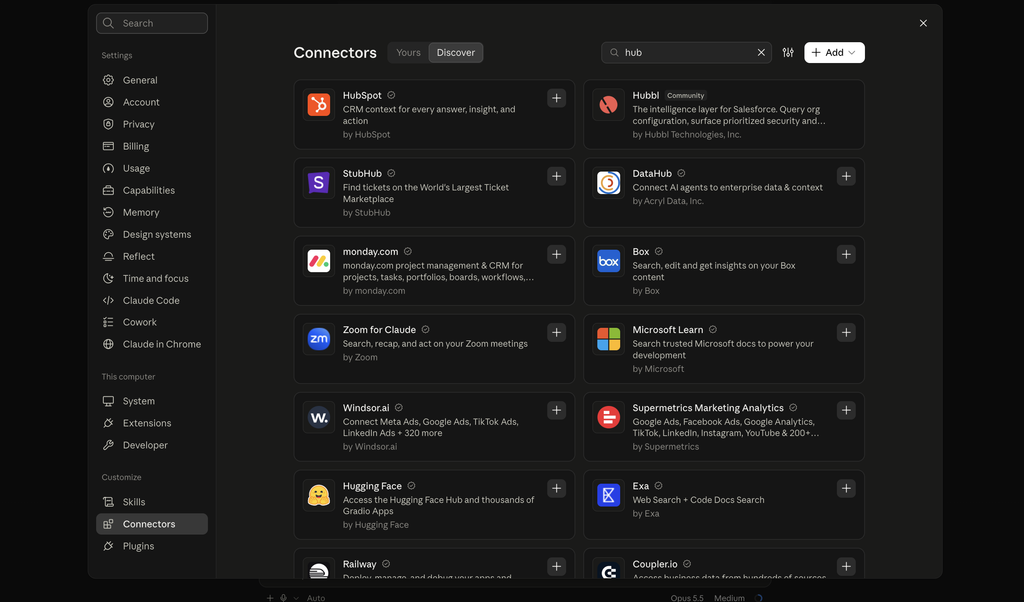
The remote HubSpot MCP server lives at mcp.hubspot.com and works with the data in your account. The Developer MCP server is installed on a developer’s own computer and helps them build HubSpot apps and website assets. HubSpot’s docs say plainly that the two are separate.
There is a third thing with “MCP” in its name, and it causes most of the confusion. Under Development in HubSpot you can create an MCP connector with a client ID and a secret. That is only for hooking up a tool HubSpot has no ready-made connector for.
| What you want | What to use | Who sets it up |
|---|---|---|
| Claude or ChatGPT working with your contacts, deals and campaigns | The ready-made HubSpot connector inside Claude or ChatGPT | An admin approves it once, then each person connects |
| Another MCP client working with the same data | An MCP connector you create under Development in HubSpot | Someone comfortable with OAuth settings |
| An AI coding tool that helps you build a HubSpot app | The Developer MCP server | A developer, from the command line |
If you are a marketer, a salesperson or a founder, you want the first row. The ready-made connector already sits on the remote server, so there is nothing to build.
Four Limits Of The HubSpot MCP Server In Claude
HubSpot’s help article for the Claude connector is long and candid. These four limits come from it, and each one changes what you can hand over to an assistant.
1. It cannot delete or clear anything
The connector can view, create and update. HubSpot’s own example of what it won’t do is removing a contact’s phone number, so even emptying one field is off the table.
So no record can be deleted because of a badly worded request. A wrong update still overwrites the old value, which is why the approval step later in this post matters. Connectors differ on where they draw this line, and the best CRMs for Claude compares seven of them. For assistants other than Claude, the best MCP CRMs for AI agents covers eight.
2. It writes ten records at a time
HubSpot states that bulk creates and updates are limited to ten records at once. Looking things up is far roomier, because a single search can return up to 200 records.
Think of a library where you can read a whole shelf at once but only sign out ten books per visit. Ask Claude which 200 contacts have no owner and you get the answer in one go. Ask it to assign all 200 and that is at least twenty batches of ten.
HubSpot doesn’t describe what the assistant does when you ask for more than ten, so plan around ten per step. Changes in the hundreds belong in a HubSpot import.
How often does your team really change more than ten records in one sitting?
3. The Sensitive Data setting hides all activity
If your account has Sensitive Data turned on, the connector loses access to every call, email, meeting, note and task. Records stay visible, and the history behind them does not.
Conversation history is what makes the answers good. A summary of a deal with no emails or call notes behind it is only a list of field values.
4. It drafts workflows and campaigns, and you build them
Ask Claude to set up an email campaign or a workflow and HubSpot says you get drafted content to put in place yourself. Nothing is built inside HubSpot for you.
Marketing emails follow the same pattern. The connector can create and update email drafts and read how past sends performed, and sending is not on HubSpot’s list.
What The HubSpot MCP Server Can Do For Sales, Marketing And Support
HubSpot’s connector for Claude and ChatGPT reaches well past contacts and deals. If marketing and sales share one HubSpot account, both teams get real use out of it.
| Team | Can read | Can create or change | Not possible |
|---|---|---|---|
| Sales | Contacts, companies, deals, leads, products, quotes and all logged activity | Contacts, companies, deals, leads, tasks, notes, calls, meetings and pipelines | Deleting, clearing a field, changing invoices, orders or subscriptions |
| Marketing | Campaigns, revenue attribution, marketing email results, page and blog analytics | Campaigns, marketing email drafts, landing pages, website pages and blog posts, including publishing | Sending an email, building a workflow |
| Support | Tickets, plus conversations from the inbox and help desk | Tickets, notes and tasks | Replying inside a conversation |
A salesperson might ask “Summarise every conversation with Meridian this month and list anything that could block the deal.” Marketing and support get the same kind of answer from “Which subject lines got the most clicks in September?” or “What were the five most common help desk questions this week?”
Custom objects are included, with read, create and update. HubSpot also applies your conditional property rules and pipeline stage checks to anything the connector writes. Association label checks are not applied.
Publishing a blog post has its own requirement. HubSpot needs an author, a featured image, a meta description, a slug and a title before it will go live.
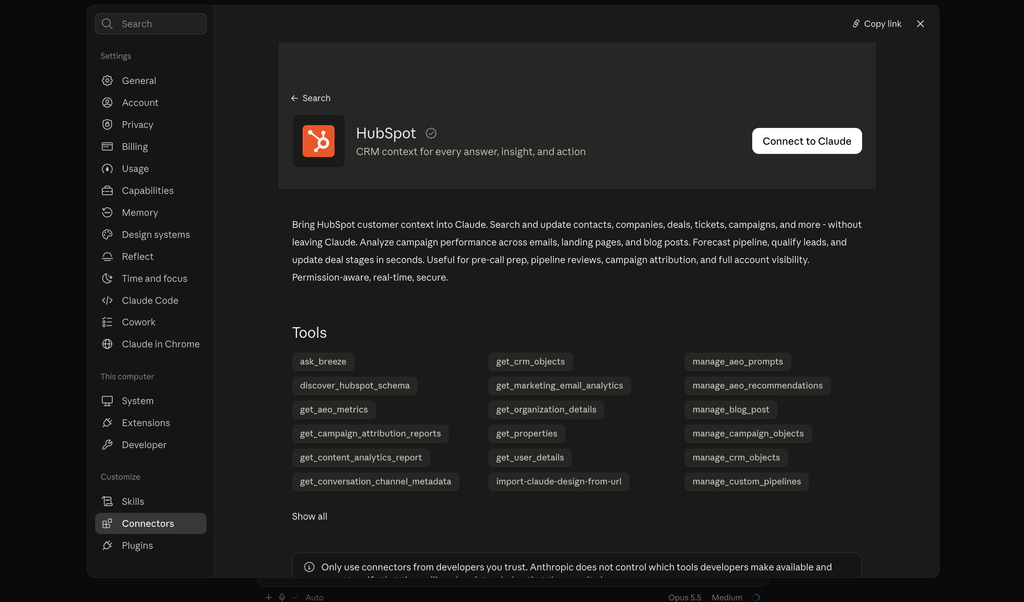
HubSpot’s two pages don’t fully agree with each other. The help article lists segments as read-only, and the developer docs say static segments can be created and filled. Claude’s directory shows 36 tools where the developer docs list 32, so check what your own account offers once you are connected.
What The HubSpot MCP Server Does On Free And Paid Plans
HubSpot lists the connector under all products and plans, so a free account can use it. What changes with your plan is how much there is for the assistant to work with.
- Free tools: the connector can edit the default pipeline but cannot create a new one
- Marketing Hub Professional or Enterprise: needed for the tools that track how AI search engines talk about your brand
- Quotes: still in beta, and creating them needs Revenue Hub Professional or Enterprise
- Your assistant: HubSpot says the Claude connector needs a paid Claude plan. For ChatGPT it asks only for an OpenAI account
Everyday work with contacts, deals, tickets, tasks and notes is the same on every plan. None of this is a reason to upgrade by itself. If you’re weighing the paid hubs for other reasons, is HubSpot worth it goes through that decision by team size.
How An Admin Sets Up The HubSpot Connector
The important part of setup happens before anyone opens Claude. A Super Admin, or a user with App Marketplace access, has to connect or approve the connector first.
1. Choose which data the connector may touch
During approval the admin picks the data permissions. Leave out anything the team has no reason to reach through a chat window. If you add permissions later, every user has to reconnect to pick them up.
2. Choose who may install it
The admin also decides which users can connect. Each person then connects from Claude’s connector settings. HubSpot says users only see in Claude the data they are allowed to see in HubSpot.
3. Set write tools to ask first
In the connector’s tool settings in Claude, set write tools to Needs Approval. HubSpot recommends this itself, and warns that with Always Allow, edits can happen without anyone being asked.
One Claude account connects to one HubSpot account at a time. HubSpot’s advice for partners with several client accounts is to disconnect one and connect the next.
For ChatGPT, HubSpot asks for the same admin approval. Each person then connects it under Apps, and the same approval setting applies.
HubSpot MCP Server FAQ
HubSpot has a ready-made connector for ChatGPT as well as for Claude. It is open to every HubSpot tier, it needs an OpenAI account and an admin approves it first. It can create and update records from the chat window.
Super Admins can. HubSpot’s audit log records every create and update made through the connector against both the user and the connector. It also records who connected it and when.
HubSpot lists creating and updating marketing email drafts, along with reading the results of past sends. Sending is not on its list. You review the draft and send it from HubSpot yourself.
Ten. HubSpot states that bulk creates and updates through the connector are limited to ten records at a time. Searches are much larger and can return up to 200 records.
The Safe Way To Give Your Team The HubSpot MCP Server
At my agency Fenixtal, I worked with client teams where marketing and sales shared one HubSpot and nobody could say who had changed what. An assistant that writes on everyone’s behalf makes that question more important.
HubSpot’s answer is the audit log. Every create and update made through the connector is recorded against both the user and the connector, and so is every new connection. Tell the team that log exists before you switch anything on.
Then keep it narrow at first. Approve it for a few people, leave approvals on and start with questions before changes.
Fluid CRM is what we built for small B2B teams where the same few people do the marketing and the selling. It is one visual pipeline that Claude can update, on a single plan at $16/seat/month. The AI CRM page shows what Claude can change in it. I also wrote a post on what an AI-native CRM is if you want the wider picture.
Start your 7-day free trial here, no credit card required.