

Lightfield promises a CRM you never have to type into. Every email, meeting and Slack thread turns into CRM data on its own, and agents draft the follow-up for you. The promise holds up, so this review covers what it costs and which teams it fits.
Lightfield CRM fills itself in from your email, calendar and recorded meetings. Starter is $89 per user a month for up to 3 people and Pro is $999 a month per workspace, billed annually. It suits call-heavy startups, while small teams that sell by email often fit Fluid CRM plus their own AI assistant better.
What Lightfield CRM Does
Lightfield CRM connects to your Google or Outlook inbox and calendar, records and transcribes your meetings and pulls in Slack. Its docs describe an agent layer that reads all of that, then updates fields, creates records, summarizes meetings and drafts follow-up emails for you to approve.
You can also ask it questions in a chat window, such as why a deal slipped. On higher plans it runs email sequences, workflows and automations that you describe in plain language. If you want the wider category first, our explainer on what an AI-native CRM is covers it, and our AI CRM page shows the other way of doing it.
Lightfield is a young company with real money behind it. Its own site announces a $47M Series A led by a16z, and it says more than 5,000 companies use it.
Lightfield pros
- Records update themselves from email, meetings and Slack, so nobody types call notes into fields.
- Meeting recording and transcription are built in, on every plan.
- Chat over your whole CRM, for every user, including questions about why a deal stalled.
- Custom objects and relationships let you model more than deals, contacts and companies.
- A REST API and an MCP server, so Claude, Claude Code and other assistants can read and write your Lightfield data.
Lightfield cons
- Starter stops at 3 people. Person number four means moving to Pro, which is a workspace price.
- Pro and above start with a demo request, not a self-serve signup.
- Workflows, sequences and dashboards are not on Starter. They start on Pro.
- Agent work is metered in credits, so a busy month of automations can cost more than the plan price.
- It records your meetings by design. Some buyers will not want a recorder on every call.
Lightfield Pricing: All Four Plans
Lightfield has four plans. Starter is priced per user and billed monthly, while Pro and Growth are priced per workspace and billed annually.
| Plan | Price | Who records | Records | What it adds |
|---|---|---|---|---|
| Starter | $89 per user a month, billed monthly | Up to 3 users, each with a capture seat | Up to 50,000 | Automatic record updates, meeting recording, email, calendar and Slack sync, custom objects, email support |
| Pro | $999 a month per workspace, billed annually | 5 capture seats, unlimited viewer seats | Up to 250,000 | Workflows, automations, email sequences, dashboards, workspace credits, a dedicated customer success manager |
| Growth | $1,999 a month per workspace, billed annually | 10 capture seats, unlimited viewer seats | Up to 750,000 | More credits, multi-channel sequences, LinkedIn sync in beta, advanced enrichment, inbox warming |
| Enterprise | Custom, billed annually | Custom | Custom | Role-based access, SSO, sandbox environments, two-way sync with another CRM |
Starter comes with a 14-day free trial. An extra capture seat on Pro or Growth costs $200 a month, billed annually.
Prices quoted on older pages come from Lightfield’s previous plans, so budget from the table above.
What Lightfield Charges For: Capture Seats and Credits
Most CRMs charge per person. Lightfield charges for two other things, which are whose conversations it records and how much work its agents do.
Capture seats and viewer seats
A capture seat is a person whose inbox and calendar Lightfield syncs. Their meetings get recorded and transcribed, and their emails update records on their own.
A viewer seat can see records and use the chat, but nothing from that person’s inbox flows in. On Pro and above, viewer seats are unlimited and free for everyone at your company. Starter has no viewer seats at all.
Workspace credits
Credits pay for agent work. Automations, workflows and sequences use credits each time they run, and advanced enrichment uses them per record, with phone numbers costing more.
What you do yourself is free. Typing in data, building your data model, viewing dashboards and the automatic record updates from email and meetings use no credits. Pro includes 450,000 credits a year and Growth 900,000. Unused credits do not roll over, and going past the limit is billed at an agreed rate unless you set a hard cap.
The jump from 3 people to 4
Starter allows up to 3 users. For a team of three, that is $267 a month, or $3,204 a year.
A fourth person moves you to Pro at $999 a month on an annual contract, which is $11,988 a year. Pro adds a lot for that money, including two more capture seats, unlimited viewers, sequences, dashboards and a customer success manager. But the step happens at person four whether you wanted those things or not, so plan for it before you hire.
Agents Inside the CRM or Your Own Assistant Outside It
There are two ways to get AI working in a small team’s pipeline. Lightfield puts the AI inside the CRM and lets it act on what it records. The other way keeps the CRM simple and connects the AI assistant you already use, through MCP.
MCP, short for Model Context Protocol, is the open standard that lets an assistant like Claude or ChatGPT read and update another app. Lightfield has an MCP server too, so both connect to Claude. They differ on who does the work when nobody asks and what gets recorded along the way.
Fluid CRM is the second kind. Its connector gives Claude, ChatGPT and Cursor 21 tools, 8 that read and 13 that create or update deals, contacts, companies, activities and reminders. None of them delete. Our Claude CRM guide and our list of MCP CRMs compare it with other connectors.
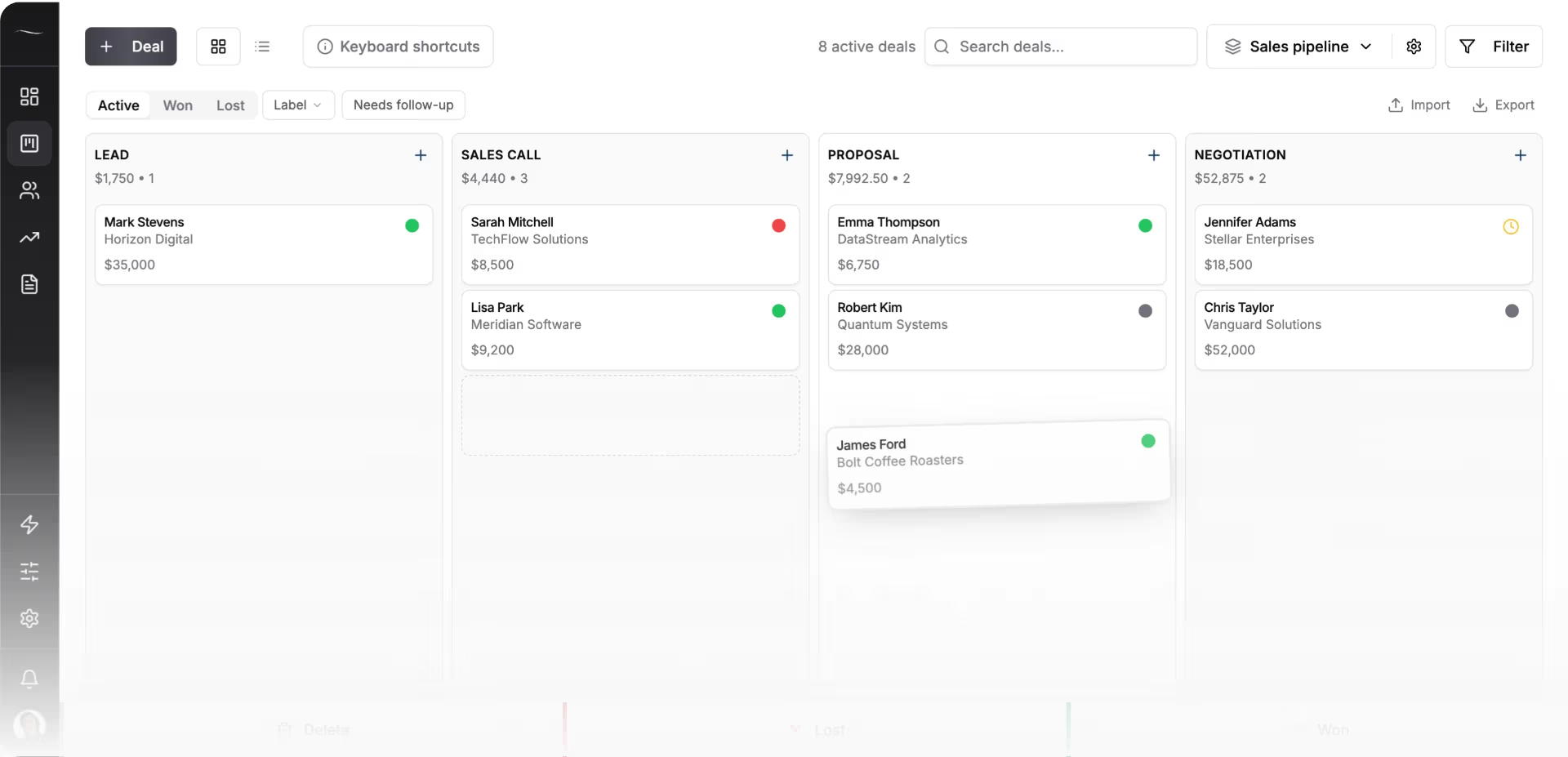
The table puts the two setups side by side for a small team. The Fluid CRM column assumes everyone on the team pays for their own Claude Pro plan at $200 a year. If you already pay for Claude or ChatGPT, take that part out.
| Lightfield | Fluid CRM plus your own assistant | |
|---|---|---|
| Where the AI lives | Inside the CRM | In Claude or ChatGPT, outside the CRM |
| When nobody asks | Agents update records and draft follow-ups | Nothing happens until you ask |
| What gets recorded | Meetings, emails and Slack for capture seats | Only what you or your assistant log. Emails are logged by BCC |
| Call recording, sequences, enrichment | Included, by plan | Not included |
| Cost for 3 people, one year | $3,204 on Starter | $432 for Fluid CRM plus $600 for Claude Pro, so $1,032 |
| Cost for 5 people, one year | $11,988 on Pro | $720 for Fluid CRM plus $1,000 for Claude Pro, so $1,720 |
| Getting started | Free trial on Starter, demo for Pro and up | 7-day free trial, no credit card required |
Lightfield’s pricing page pitches one bill in place of six, covering a CRM, a call recorder, a sequencer and an enrichment tool. If you would buy those tools anyway, add their cost to the right-hand column before you decide. Our guide to CRM ROI shows how to weigh that cost against the deals it saves.
Who Lightfield CRM Is For and Who Should Skip It
Lightfield CRM is a strong pick for a funded startup whose deals move through calls, and more than a small team that sells by email needs.
Who it fits
- Founder-led sales with a full calendar. If most deals live in meetings, a CRM that records and summarizes them saves time on every call.
- Teams about to buy a call recorder, a sequencer and an enrichment tool. Lightfield bundles them, and the math may come out in its favor.
- Startups planning to grow past five sellers. Pro and Growth come with unlimited viewer seats and hands-on help setting up.
- Teams that want agents doing outbound work. Growth adds multi-channel sequences, enrichment and inbox warming.
Who should skip it
- A team of four or five that sells mostly by email. You would pay the workspace price for recording you barely use. Our guide to the best CRM for small sales teams prices simpler options for 5 seats.
- Anyone whose buyers dislike being recorded, which can include clients in law, health care or finance.
- Teams that want the CRM to stay simple. Custom objects, credits and agents are powerful, and each one is something to learn and watch.
Why we built Fluid CRM the other way
At Fenixtal, my old outbound agency, I watched a lot of booked calls go nowhere. When leads died there, it was rarely for lack of data. Nobody opened the CRM and decided what to do next, and recording more conversations does not fix that on its own.
That is why we built Fluid CRM the other way, as a clean pipeline people open every day and a connector for the assistant they already use. Nicolas Virtsonis, who runs a B2B marketing agency and has used Salesforce, Zoho and Pipedrive among others, put it this way: “It offers 90% of what most CRMs offer while only using about 20% of the time it takes when using them… A clean, updatable database is so much more valuable than all the frills in the world.”
Matthew, a verified customer who has used Less Annoying CRM and Attio, put the speed gap in one line: “Attio is great, but 10-second tasks take 5 minutes.”
Viktor Otterskog, who looked at HubSpot and Airtable before he picked Fluid CRM for outreach, said it “really has that speed, no bells and whistles, just does what it’s supposed to do.”
Fluid CRM has real limits next to Lightfield. It does not record or transcribe calls, it has no sequences and no enrichment, and it logs email by BCC instead of syncing your inbox both ways. The AI only acts when you ask it to, and there is no native mobile app, so it fits teams under 20 people who want a pipeline more than an AI platform.
Lightfield alternatives
- Attio has a free plan for up to 3 seats and a flexible data model. Our list of Attio alternatives covers when it fits.
- HubSpot has a free plan for up to 2 users and a Starter plan at $20 per seat a month, billed monthly.
- Twenty is open source and can be self-hosted. Our Twenty CRM review covers the trade-offs.
- Fluid CRM is one plan at $16 per seat a month or $144 per seat a year, with the Claude and ChatGPT connector included. Five seats cost $80 a month or $720 a year.
Lightfield CRM FAQ
No. Lightfield has no free plan. Starter comes with a 14-day free trial, and after that it costs $89 per user a month for up to 3 users.
A team of five needs the Pro plan, because Starter stops at 3 users. Pro costs $999 a month per workspace, billed annually, which is $11,988 a year. It includes 5 capture seats and unlimited viewer seats.
A capture seat is a user whose email and calendar Lightfield syncs. Their meetings are recorded and transcribed, and their emails update CRM records automatically. Viewer seats can see records and use the chat, but nothing from their inbox is captured.
Yes. Lightfield has a REST API, with keys created by admins, and an MCP server that lets Claude, Claude Code and other assistants read and write workspace data. It also connects to Slack, Granola, Microsoft Teams, Linear and Gong.
It is a good fit for a small startup that lives on sales calls and wants recording, sequences and enrichment in one tool. It is a weaker fit for a team of four or more that sells mostly by email, because person four moves you from Starter to the $999 a month Pro plan.
Lightfield or a Simpler Setup: How To Decide
Pick Lightfield CRM if your deals happen on calls and you want agents doing the follow-up work for you. Pick a simple pipeline like Fluid CRM if your team sells by email, wants every feature on one plan and would rather bring its own assistant through our AI CRM connector.
Start your 7-day free trial here, no credit card required.